Staying Organized While Working From Anywhere:
- January 29, 2024
- 0
The rise of remote work and digital nomadism has redefined how professionals approach their daily routines. With the freedom to work from home, co-working spaces, coffee shops, or
The rise of remote work and digital nomadism has redefined how professionals approach their daily routines. With the freedom to work from home, co-working spaces, coffee shops, or

The rise of remote work and digital nomadism has redefined how professionals approach their daily routines. With the freedom to work from home, co-working spaces, coffee shops, or even across the globe, the traditional office is no longer the central hub of productivity. While this flexibility brings immense opportunities, it also introduces challenges—most notably, staying organized.
Whether you’re managing multiple projects, communicating with distributed teams, or handling important correspondence, maintaining organization while working from anywhere is essential for productivity, efficiency, and professional success.
Working outside a structured office environment comes with unique obstacles:
Dispersed Work Tools – Files, documents, and resources may be scattered across cloud services, local devices, and email inboxes.
Unpredictable Schedules – Flexible work hours can make it difficult to maintain consistent routines or track deadlines.
Communication Overload – Remote workers often rely heavily on email, messaging apps, and project management tools, which can become overwhelming without proper organization.
Physical Mail Management – For those who receive correspondence or packages, managing mail while traveling or working from home can be complicated.
Overcoming these challenges requires intentional strategies and the right tools to ensure seamless workflows.
1. Cloud Storage and File Organization
Centralize all documents and files in a cloud storage platform such as Google Drive, Dropbox, or OneDrive. Organize files using clear folder structures, consistent naming conventions, and version control. This approach ensures access to essential documents from anywhere, reduces duplicate files, and prevents lost work.
2. Task and Project Management Apps
Use apps like Asana, Trello, or Monday.com to track tasks, deadlines, and project progress. These tools help remote workers visualize workflows, assign responsibilities, and stay on schedule. Setting priority levels and reminders ensures important tasks are completed on time.
3. Digital Calendar Management
A well-maintained calendar is crucial for scheduling meetings, tracking deadlines, and balancing work and personal commitments. Use shared calendars with teammates to coordinate effectively and prevent overlapping responsibilities.
4. Virtual Mailboxes and Digital Correspondence
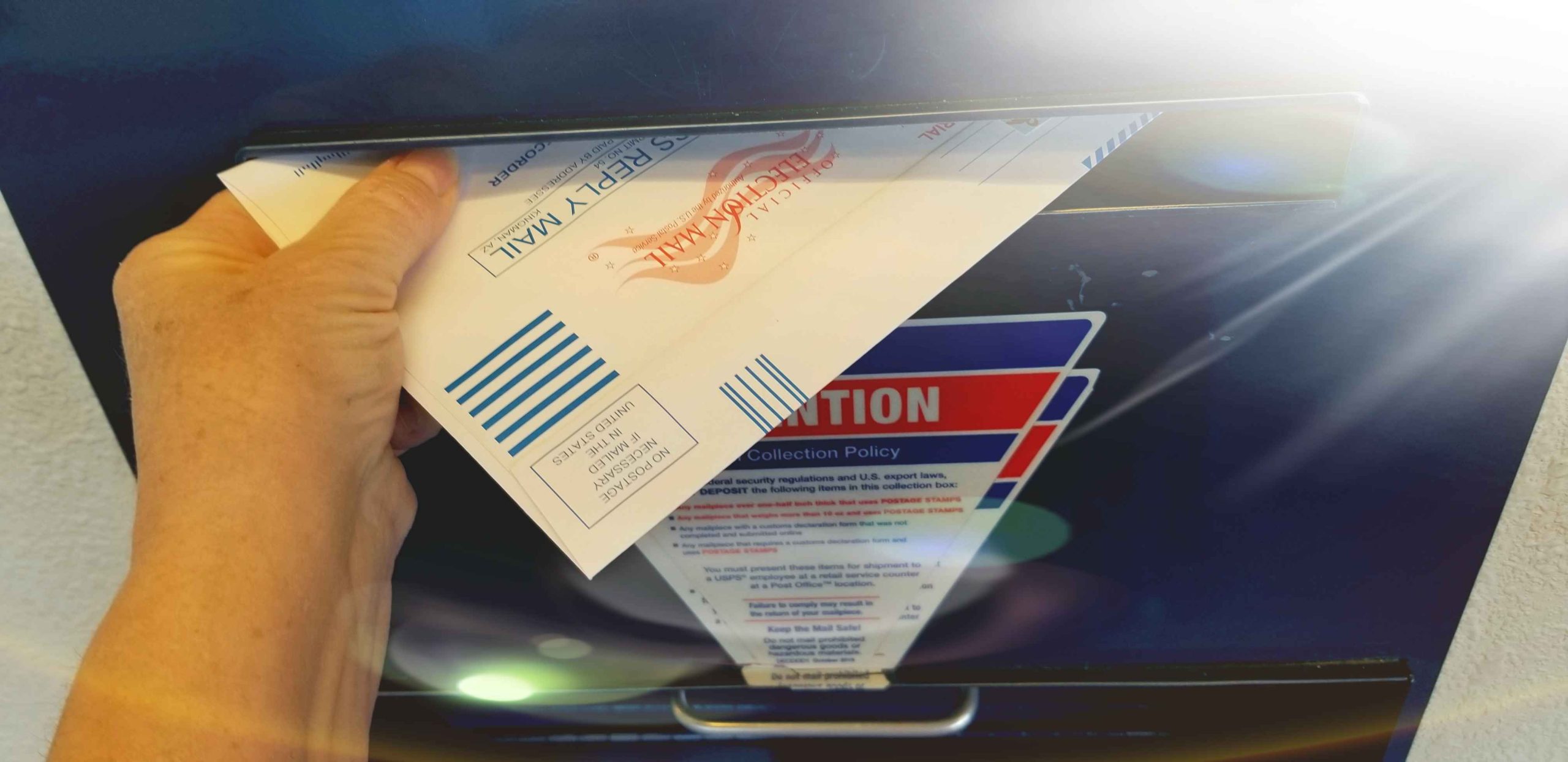
Physical mail can become a logistical challenge when working remotely. Virtual mailbox services provide a secure address where mail is received, scanned, and uploaded to a digital portal. Workers can access letters, invoices, and packages online, forward essential items, or request secure shredding for unnecessary mail. This ensures that important correspondence never gets lost, even while traveling.
5. Communication Platforms
Slack, Microsoft Teams, or Zoom help remote workers stay connected without cluttering email inboxes. Organizing channels by topic or project keeps conversations focused and reduces information overload.
1. Establish a Routine
Even without a traditional office, maintaining a structured routine helps prioritize tasks and maintain productivity. Schedule work hours, breaks, and review periods consistently to create a sense of structure.
2. Designate a Workspace
Whether at home or in co-working spaces, having a dedicated area for work minimizes distractions and allows for better organization of physical materials, devices, and stationery.
3. Prioritize and Categorize Tasks
Use methods such as the Eisenhower Matrix to prioritize tasks by urgency and importance. Break large projects into smaller, actionable steps to avoid feeling overwhelmed.
4. Minimize Digital Clutter
Regularly clean up your desktop, email inbox, and cloud storage. Delete unnecessary files, archive completed projects, and categorize remaining items logically.
5. Protect and Track Important Documents
For sensitive or time-critical mail, use secure digital solutions like virtual mailboxes. Store scanned copies securely and maintain organized archives for future reference, ensuring that deadlines are never missed.
Backup Regularly – Protect digital files by using automated cloud backups or external storage.
Use Labels and Tags – Categorize emails, documents, and projects to locate them quickly.
Set Notifications Wisely – Limit alerts to essential communications to avoid distraction while staying informed.
Review Weekly – Dedicate time to review tasks, projects, and correspondence to maintain clarity and control.
These strategies help remote workers stay productive, organized, and in control, regardless of location.
Working from anywhere provides freedom, flexibility, and opportunities for professional growth. However, without intentional organization, remote work can quickly become chaotic. By leveraging digital tools, establishing routines, centralizing correspondence through virtual mailboxes, and maintaining disciplined habits, remote workers can stay organized, productive, and focused.
The key is combining secure access to important resources with a clear, structured workflow. With the right strategies and tools, staying organized while working from anywhere is not only achievable—it can enhance productivity, reduce stress, and support long-term success in the evolving world of work.