In today’s fast-paced, digital world, managing mail efficiently is more important than ever. Traditional mail solutions like home addresses and PO boxes can be limiting, especially for remote workers, small business owners, and frequent travelers. Virtual mailboxes have emerged as a modern alternative, offering the convenience of digital access combined with secure mail handling. Understanding how a virtual mailbox works—from mail arrival to digital access—can help you streamline your workflow and take full advantage of this service.
Step 1: Receiving Your Mail
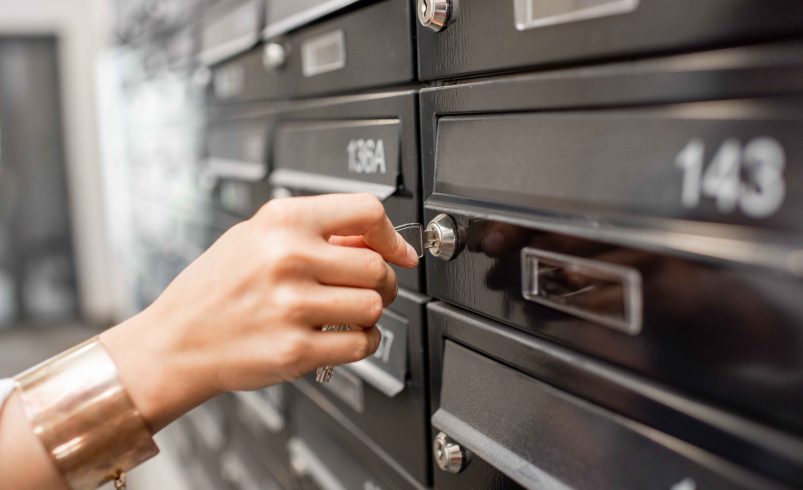
The first step in the process begins with the virtual mailbox address itself. When you sign up for a virtual mailbox service, you are assigned a secure, dedicated mailing address. This may be a commercial street address or a facility-based address, depending on the provider.
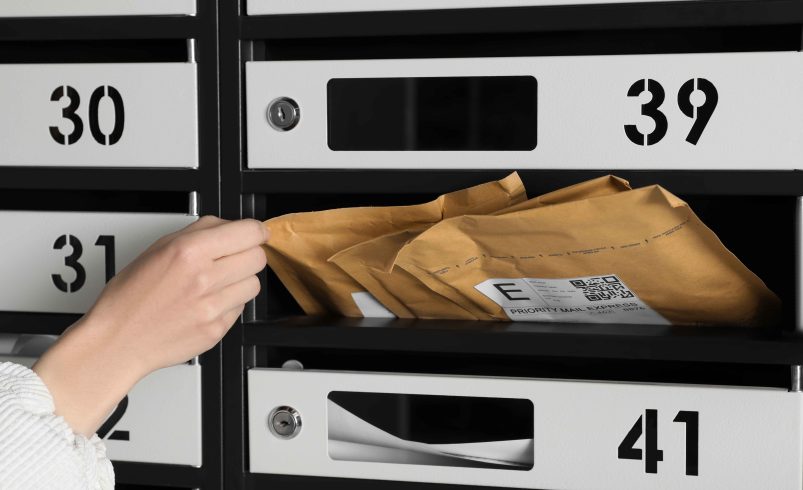
All mail and packages sent to this address are received by the provider’s secure facility. This ensures that your correspondence, whether letters, invoices, or packages, is stored safely and confidentially until you decide how to handle it.
Step 2: Logging and Sorting
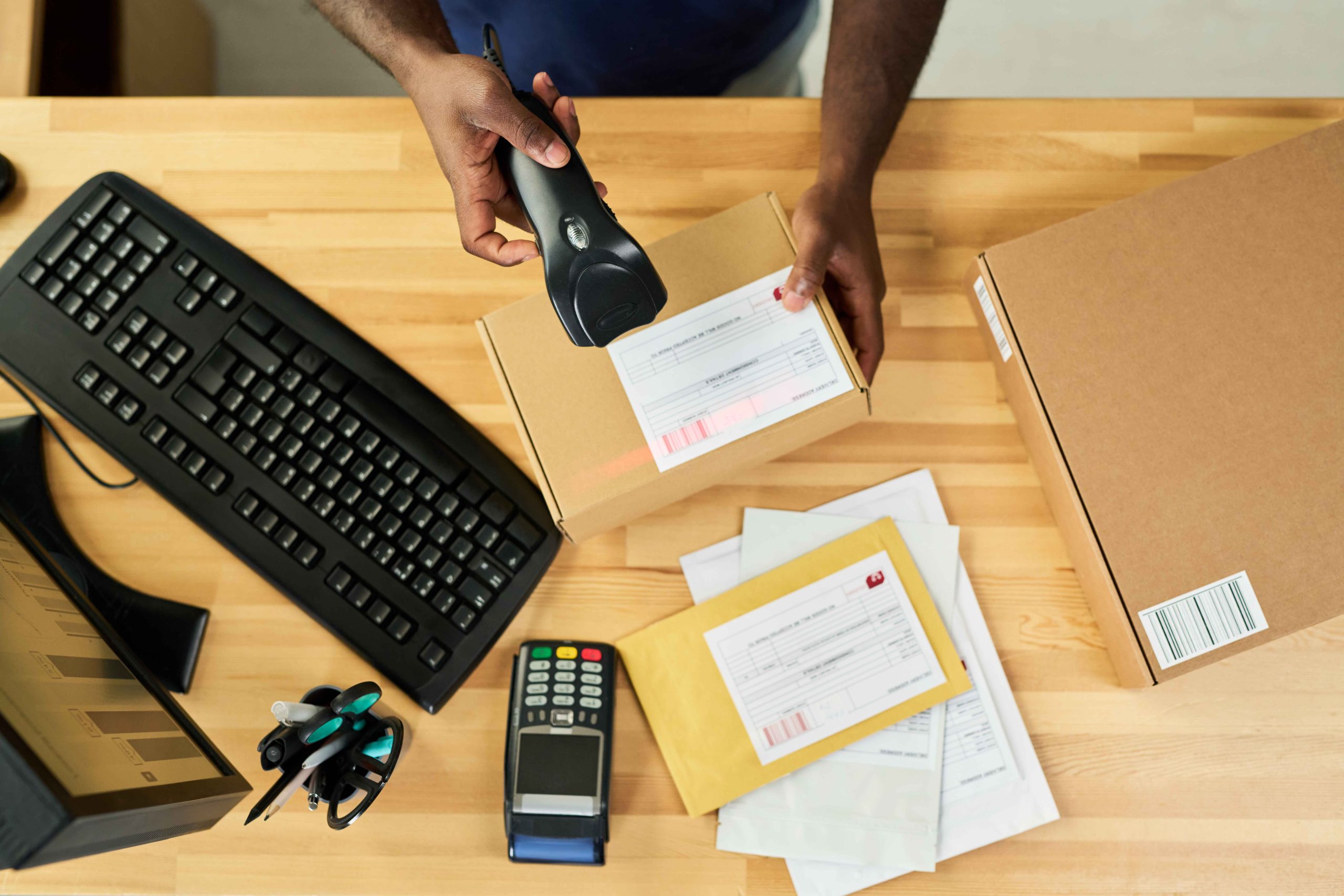
Once your mail arrives, the virtual mailbox provider logs each item. Most services will:
-
Record the date and sender information
-
Assign a unique identifier for each item
-
Categorize mail for easy management, such as letters, packages, or important documents
This step is critical for organization, especially for businesses or individuals handling multiple deliveries at once. Proper logging ensures nothing gets lost and provides a clear overview of all incoming correspondence.
Step 3: Scanning for Digital Access
The core feature that sets virtual mailboxes apart from traditional PO boxes is digital access. After logging, most providers scan the exterior of your mail first. Some also offer optional interior scanning, allowing you to see the contents of letters, invoices, or statements.
Once scanned, the images are uploaded to your secure online portal. This means you can view, download, or print your mail instantly, whether you are at home, in a café, or halfway around the world. Scanning provides immediate visibility and allows for faster decision-making without waiting to access a physical mailbox.
Step 4: Managing Your Mail Online
After your mail is scanned, you have complete control over how each item is handled. Most virtual mailbox platforms offer several options:
-
Open and Scan: Digitize the contents for immediate access.
-
Forward: Send physical mail or packages to any address, domestically or internationally.
-
Store: Keep mail and packages at the provider’s facility for later pickup or consolidation.
-
Shred: Securely destroy unwanted mail to maintain privacy.
These options allow you to customize mail handling to fit your personal or business needs, whether you’re managing invoices, legal documents, or packages from multiple carriers.
Step 5: Real-Time Notifications
A major benefit of virtual mailboxes is staying informed. Most services provide instant notifications when new mail arrives, either via email, mobile app, or web portal alerts. This ensures you never miss an important letter, bill, or package, even if you’re traveling or working remotely.
Notifications combined with digital access create a seamless workflow, allowing you to respond quickly to correspondence and maintain efficiency regardless of location.
Step 6: Forwarding and Package Management
Virtual mailboxes also excel at handling packages, which traditional PO boxes often cannot accommodate. Providers typically accept shipments from multiple carriers, including USPS, UPS, FedEx, and DHL.
You can consolidate multiple packages into a single shipment, reducing shipping costs and simplifying logistics. Forwarding is flexible, allowing you to select standard, expedited, or international shipping options based on your needs. Tracking features often accompany forwarding services, so you can monitor packages until they reach your chosen destination.
Step 7: Secure Storage and Archiving
Beyond immediate management, virtual mailboxes offer secure storage solutions:
-
Physical storage for packages and letters until you request forwarding
-
Digital archives for scanned mail, enabling easy retrieval and organization
-
Audit trails to monitor access and maintain compliance for business records
This combination of physical and digital storage ensures that both your mail and your data are safe, organized, and accessible whenever you need them.
Final Thoughts
Virtual mailboxes transform the traditional mail experience, turning the arrival of physical mail into instant digital access. From secure mail receipt and logging to scanning, notifications, and flexible forwarding options, virtual mailboxes provide a modern, convenient, and secure way to manage correspondence.
Whether you’re a small business owner, freelancer, remote worker, or frequent traveler, a virtual mailbox streamlines mail management, saves time, and enhances professional credibility. By understanding the process—from mail arrival to digital access—you can maximize the benefits of this innovative service and ensure that mail never slows down your workflow.